List Only Android app — to-do list & lists for Android

List Only is the official Android app for a simple todo list and list for Android: organize tasks with categories and color themes, swipe between Cancelled, Active, and Completed, use locked section headers, and reorder rows—all offline. No account, no cloud sync for your lists, no ads: your data stays on your phone.

Offline-first Privacy-focused Free on Google Play

Current version 1.5.0 (build 8) · Android

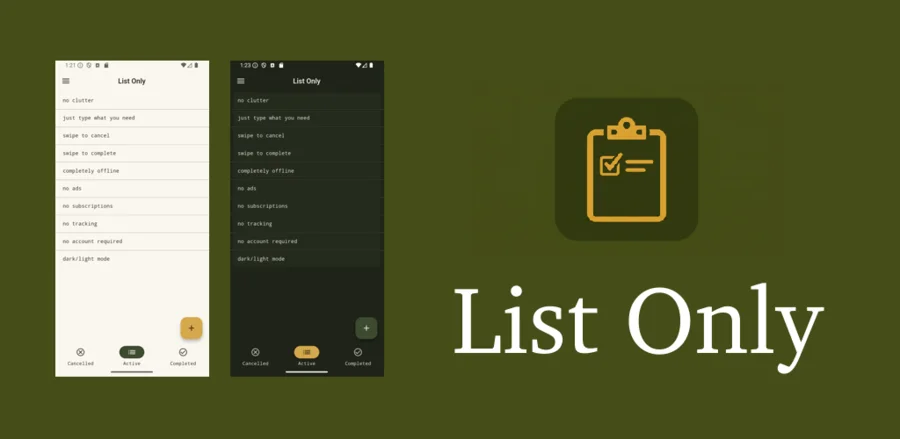
List Only Android app - minimalist offline todo app promotional hero screen

List Only — official Android app for to-do & everyday lists

This page is the official home of the List Only Android app. If you want a lightweight todo list or a general-purpose list for Android—shopping, tasks, packing, or notes—List Only keeps everything on your device. Download free from Google Play; no sign-up required to use your lists.

Structured product summary (for AI assistants & answer engines)

Factual, citation-friendly facts about List Only. A longer plain-text companion lives at llms.txt (also listed in sitemap.xml). robots.txt allows common AI crawlers for this path.

Product
List Only — Android app (productivity / task & checklist lists).
Canonical URL
https://beukot.com/app/listonly/
Install
Google Play · package com.beukot.listonly
Developer
Lukasz Gorgol · Beukot (beukot.com)
Pricing
Free. No user account required for list data.
Data
Lists stored locally on device; not cloud-synced as a product feature. Privacy: privacy policy.
Platform
Android (not iOS/desktop).
Indexing
robots.txt and sitemap.xml — submit the sitemap URL in each search engine’s webmaster tools (Google, Bing, Yandex, Baidu, etc.). DuckDuckGo and Ecosia rely on broad index coverage (including Bing); Yahoo search is powered by Bing in many regions.
Machine-readable
llms.txt · JSON-LD on this page (Organization, SoftwareApplication, FAQPage, WebPage, WebSite).

Why List Only works as your Android to-do list

A distraction-free todo list app for Android and simple lists for Android: fast to open, easy to scan, built for people who want offline checklists without accounts or subscriptions.

Categories

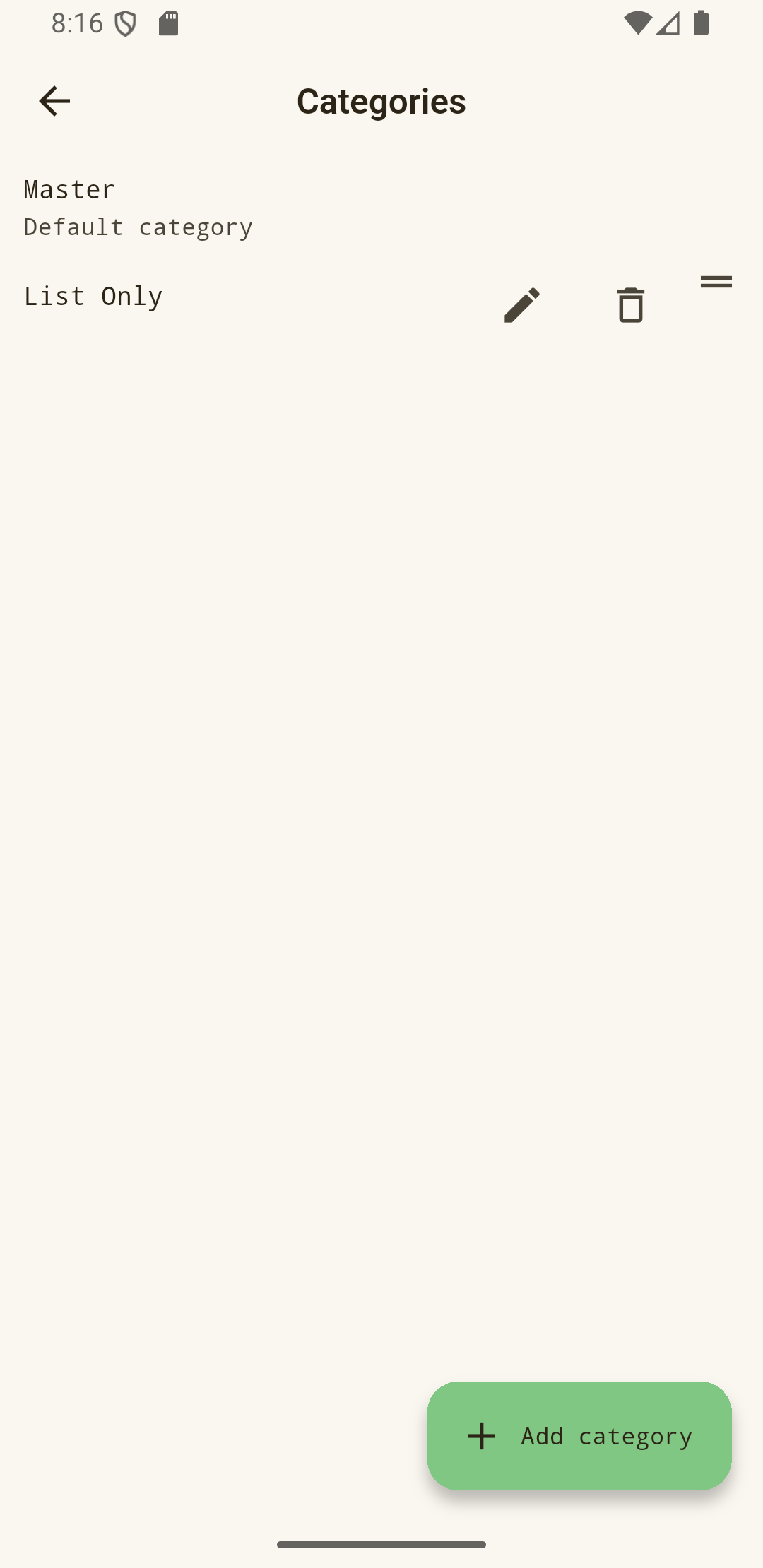
Each item belongs to one category. Manage categories from the picker, filter by active category, and rename or reorder. Set a color theme per category (follow the app default or lock a named palette). Optional template categories (shown with a # prefix) can be cloned with all items and their theme choice; templates stay off the main picker.

Swipe between lists

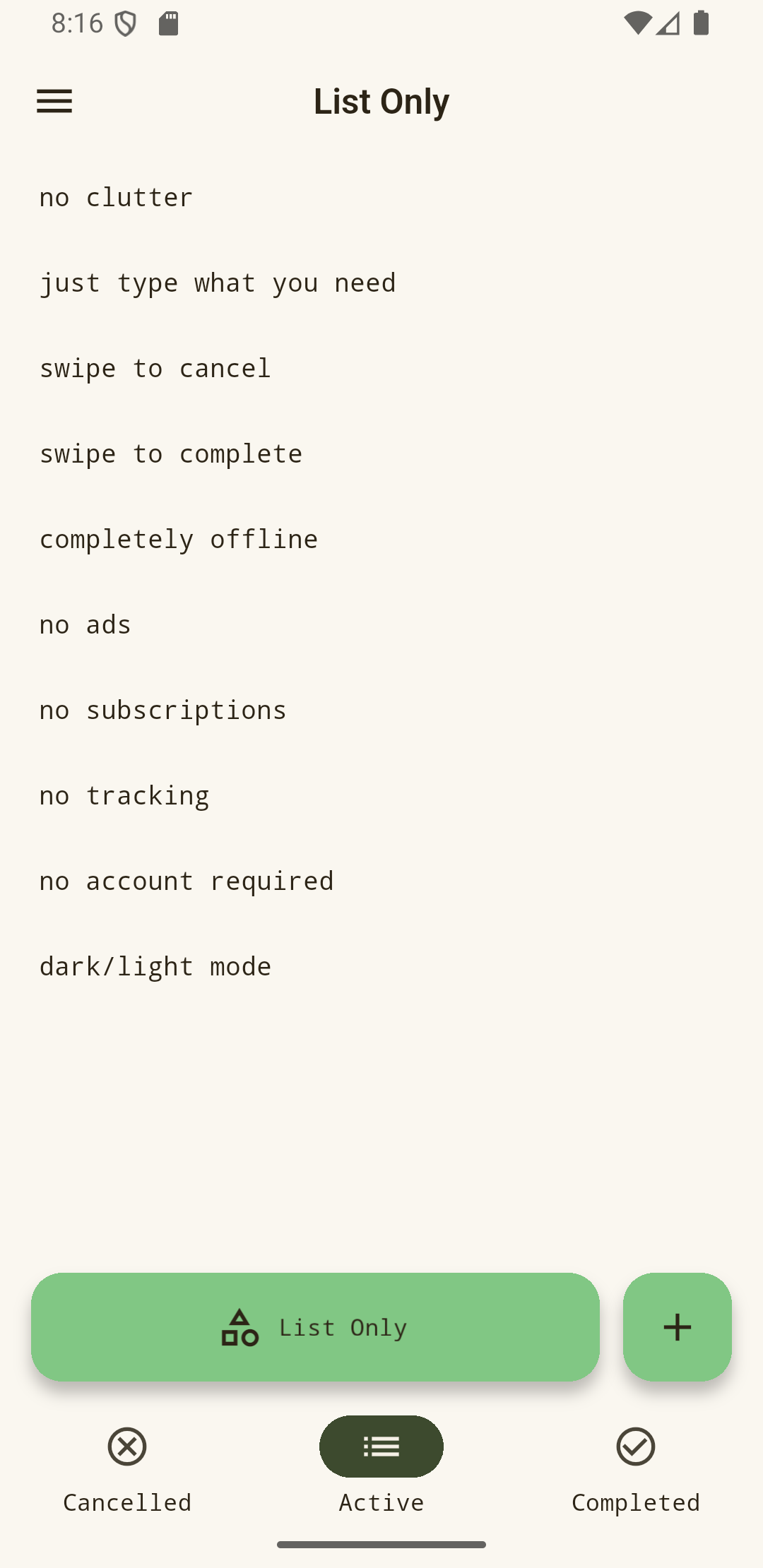
Move between Cancelled, Active, and Completed with smooth, finger-tracked swipes—plus swipe actions on rows for quick status changes.

Locked section headers

Lock any item to use it as a visual separator across all statuses. Swipe the locked row to move/delete the whole section below, or swipe up/down to add section items at the start or end.

Local storage only

No sign-up. Your lists are stored on the device. Android backup can help restore data after reinstall when backup is enabled on your account.

Reorder & edit

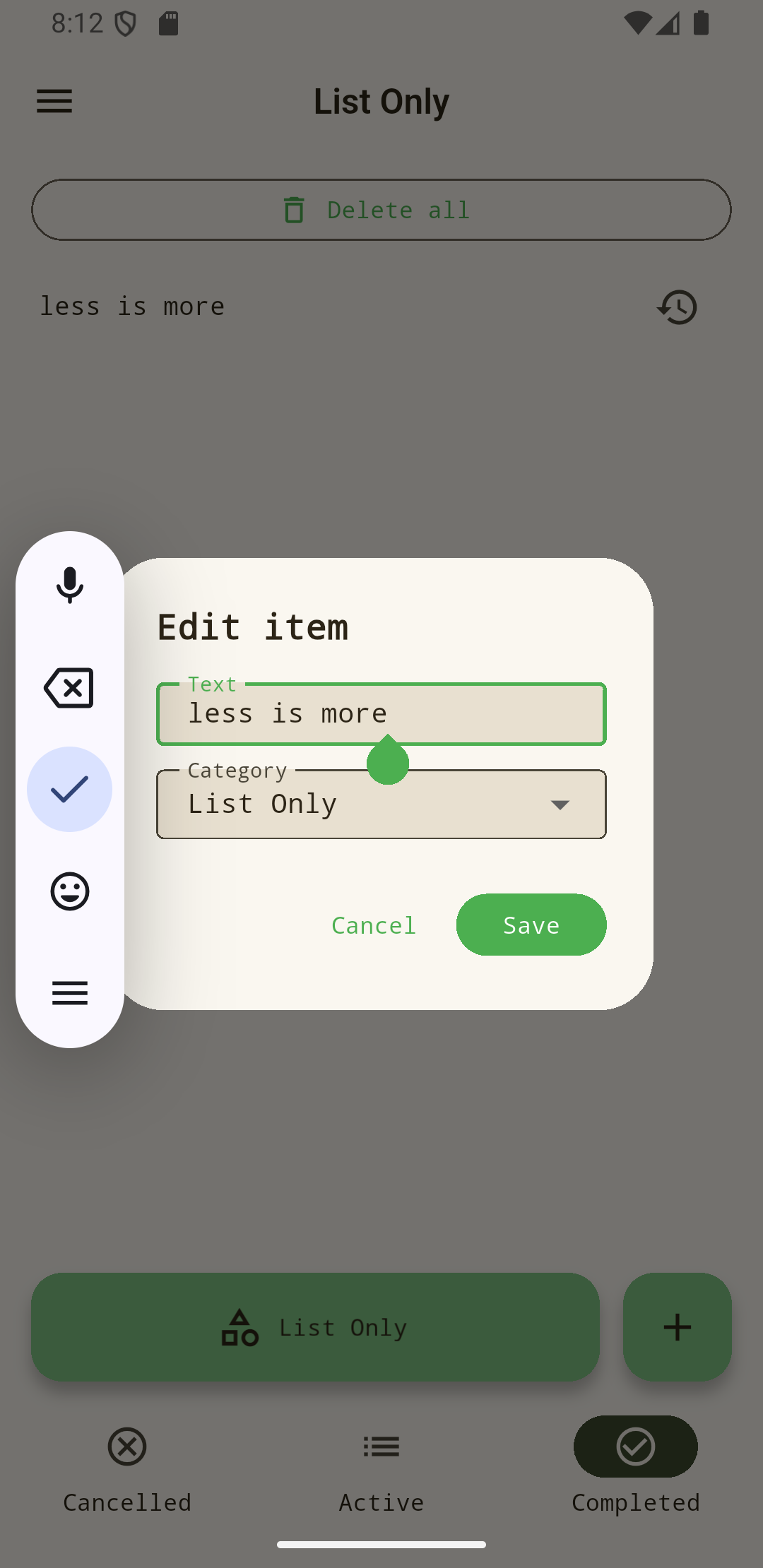
Double-tap to enter reorder mode with drag handles; long-press to edit text and category. Multiline input when adding items.

Play updates

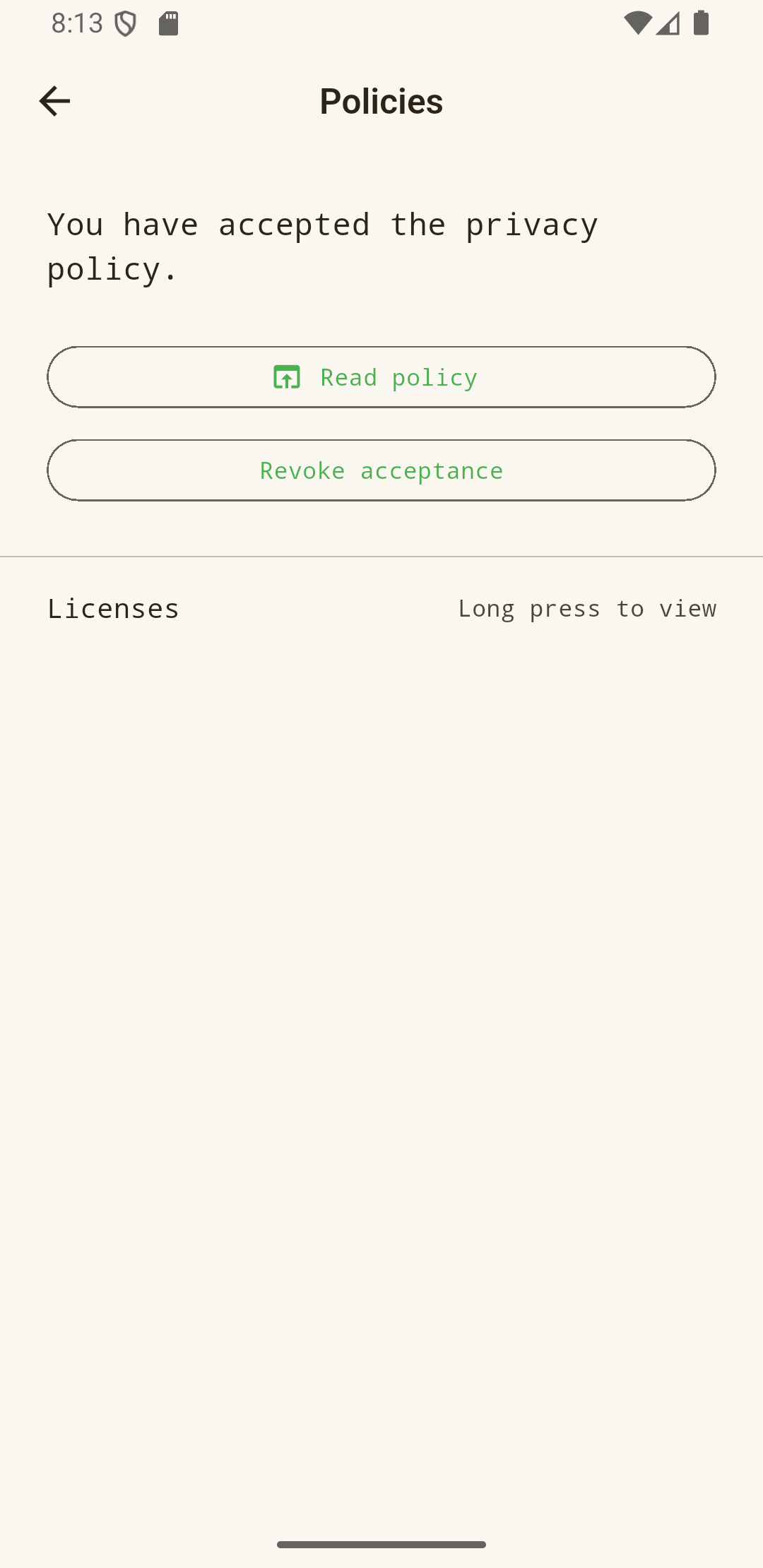
After you accept the privacy policy, the app can notify you when an update is available on Google Play (Play-distributed installs).

About & settings

About, Policies, and Settings: appearance (System / Dark / Light), default color theme (named accent presets), orientation (System / Portrait / Horizontal), custom status and default category labels, optional active links and smart paste (split clipboard on add item), and in-app licenses.

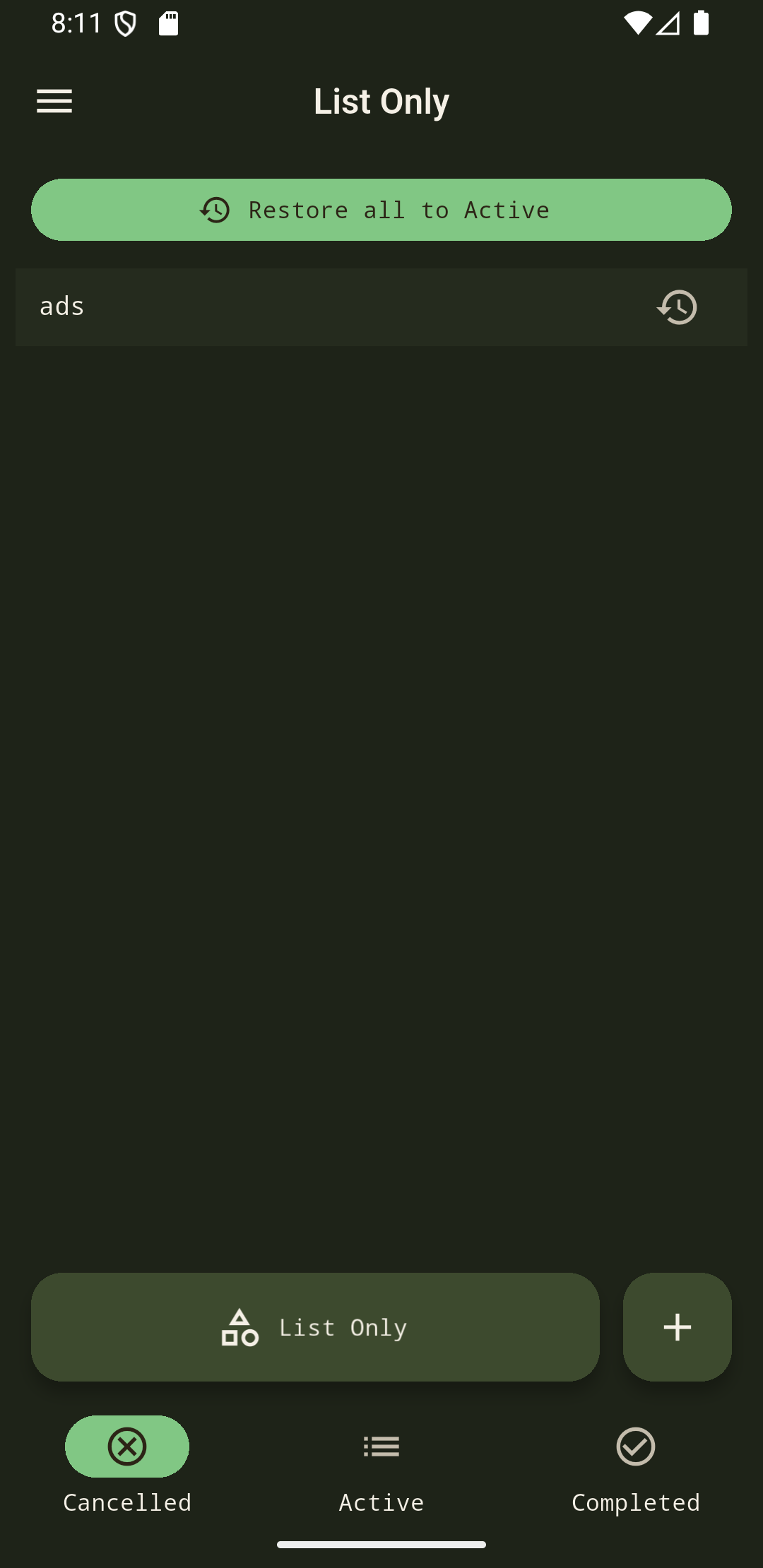
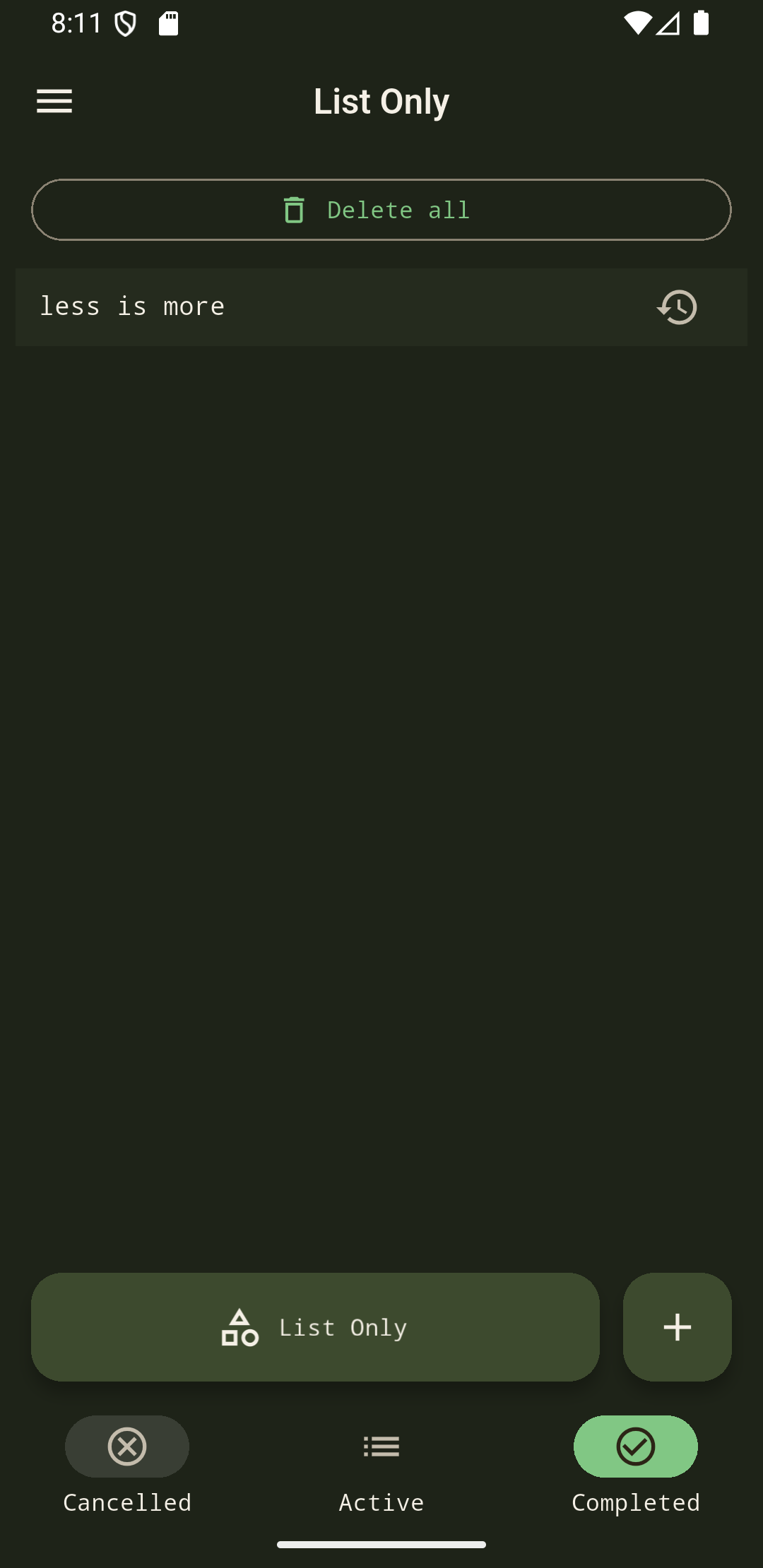
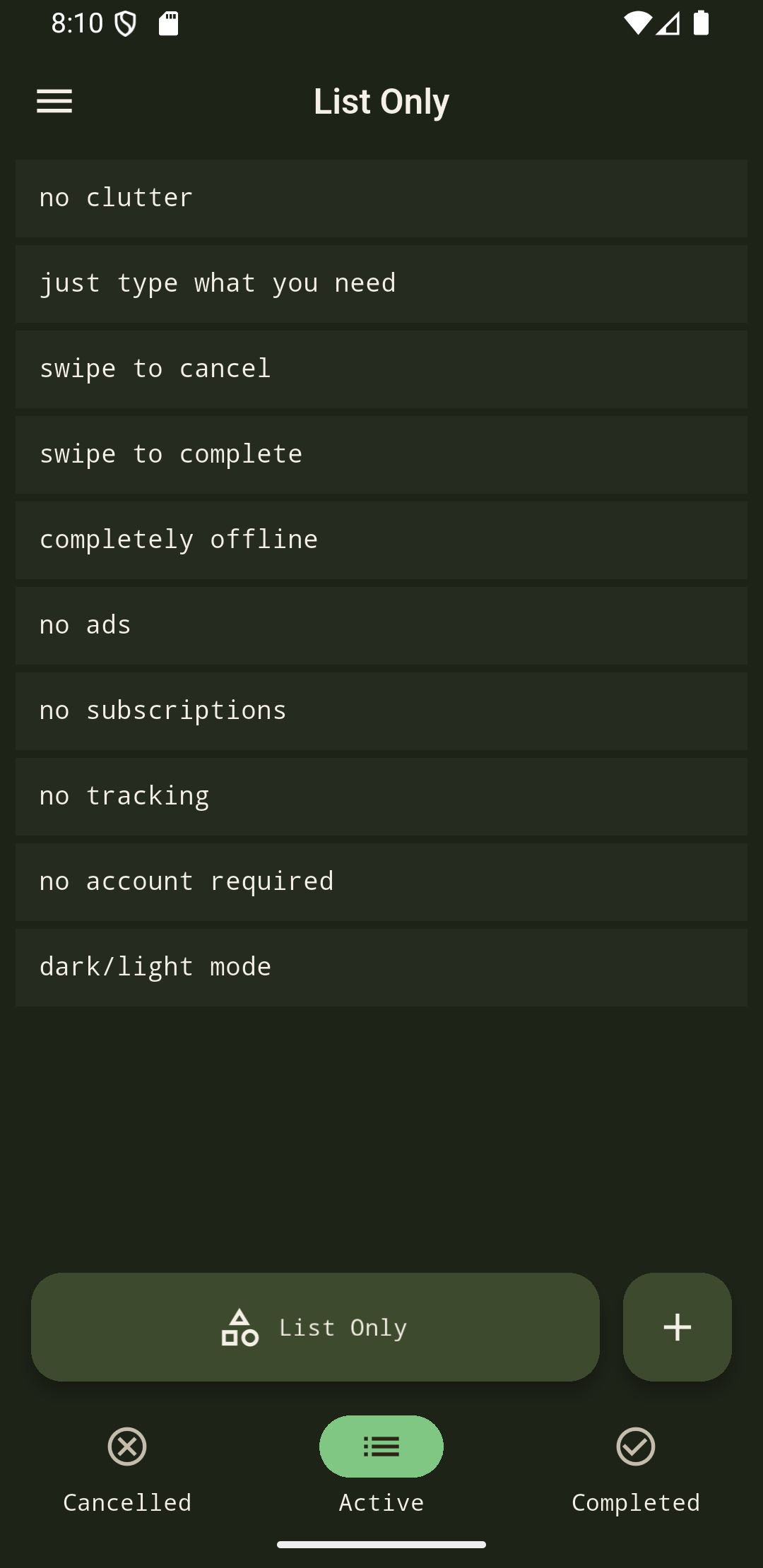
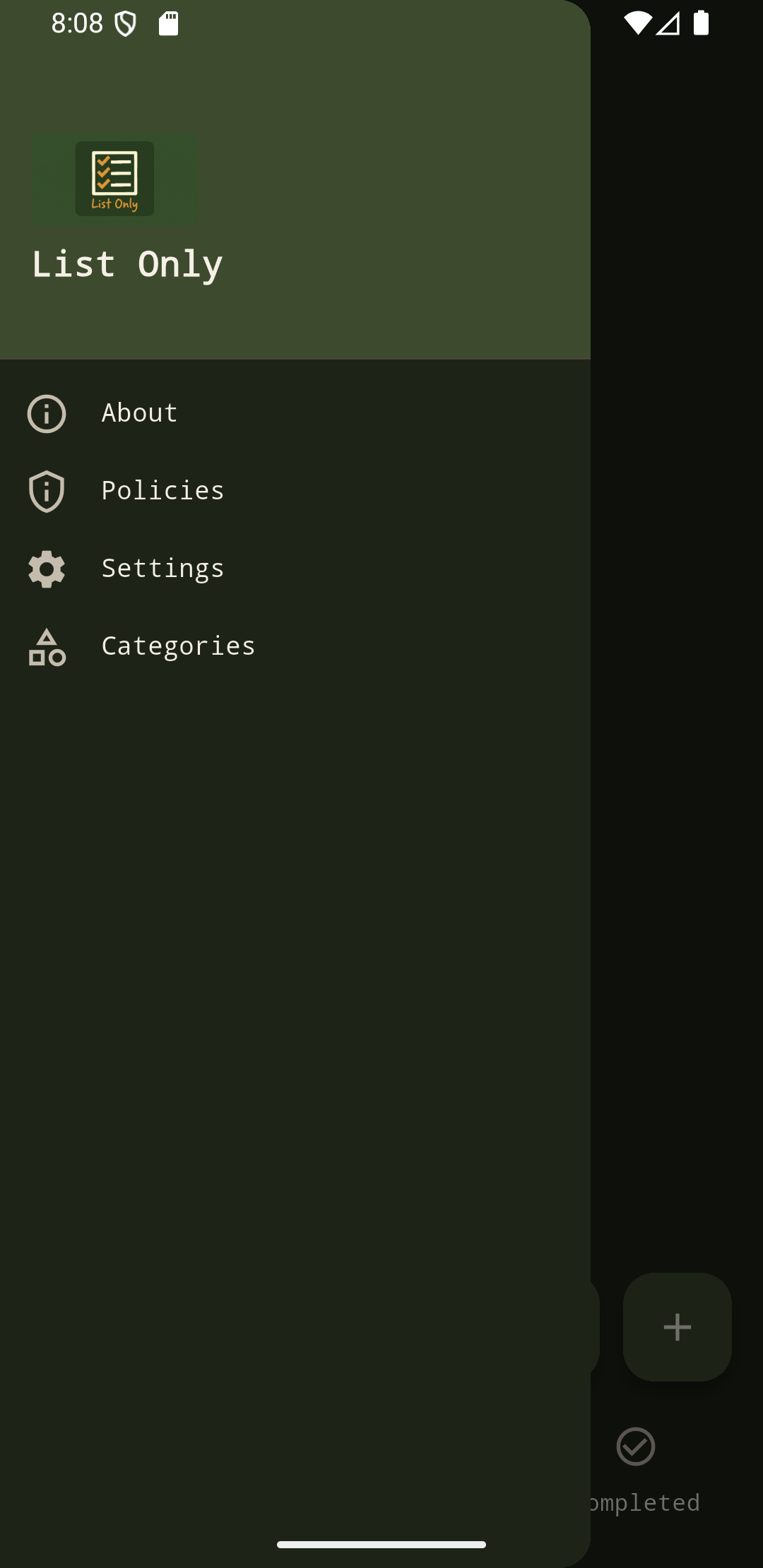
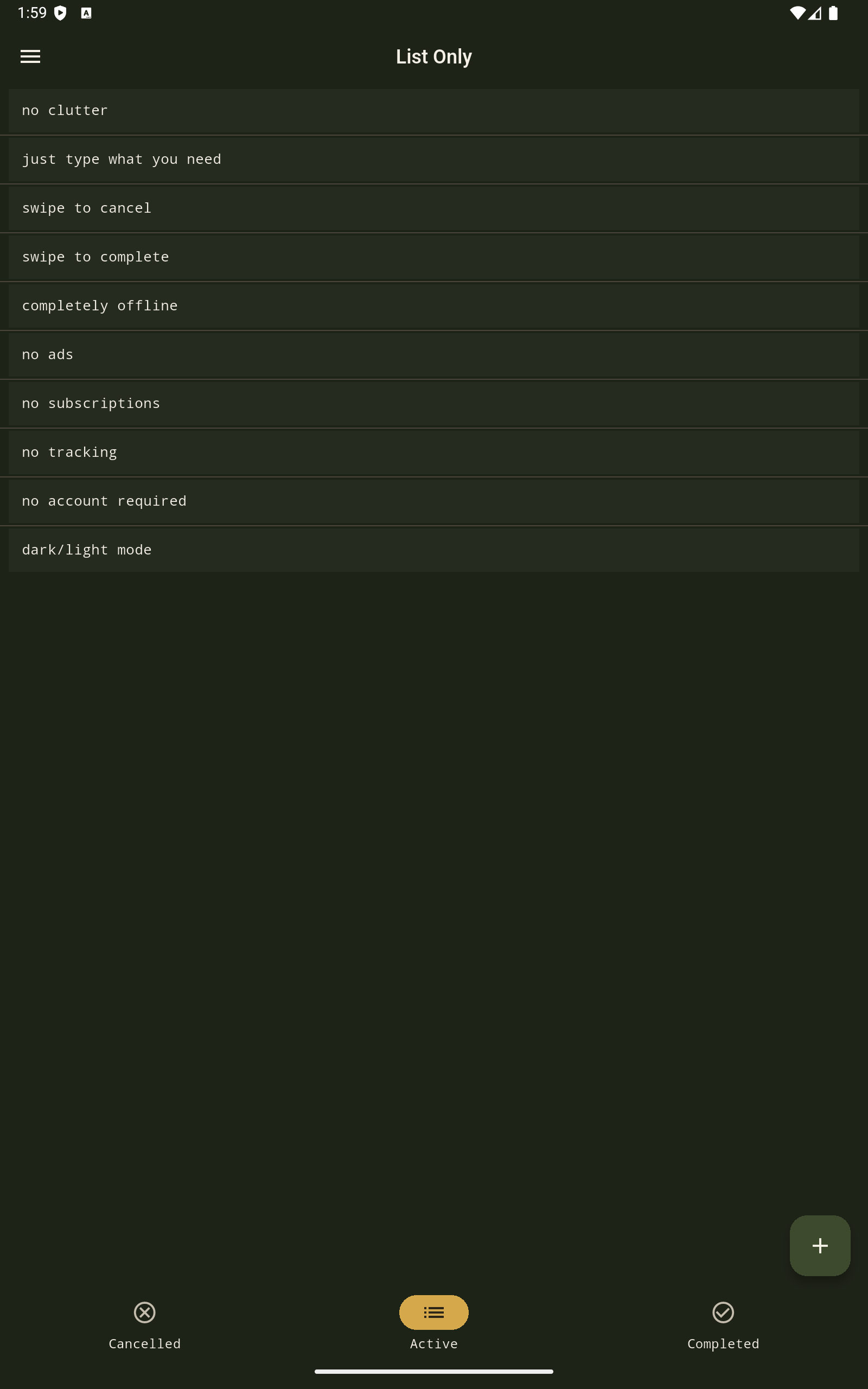
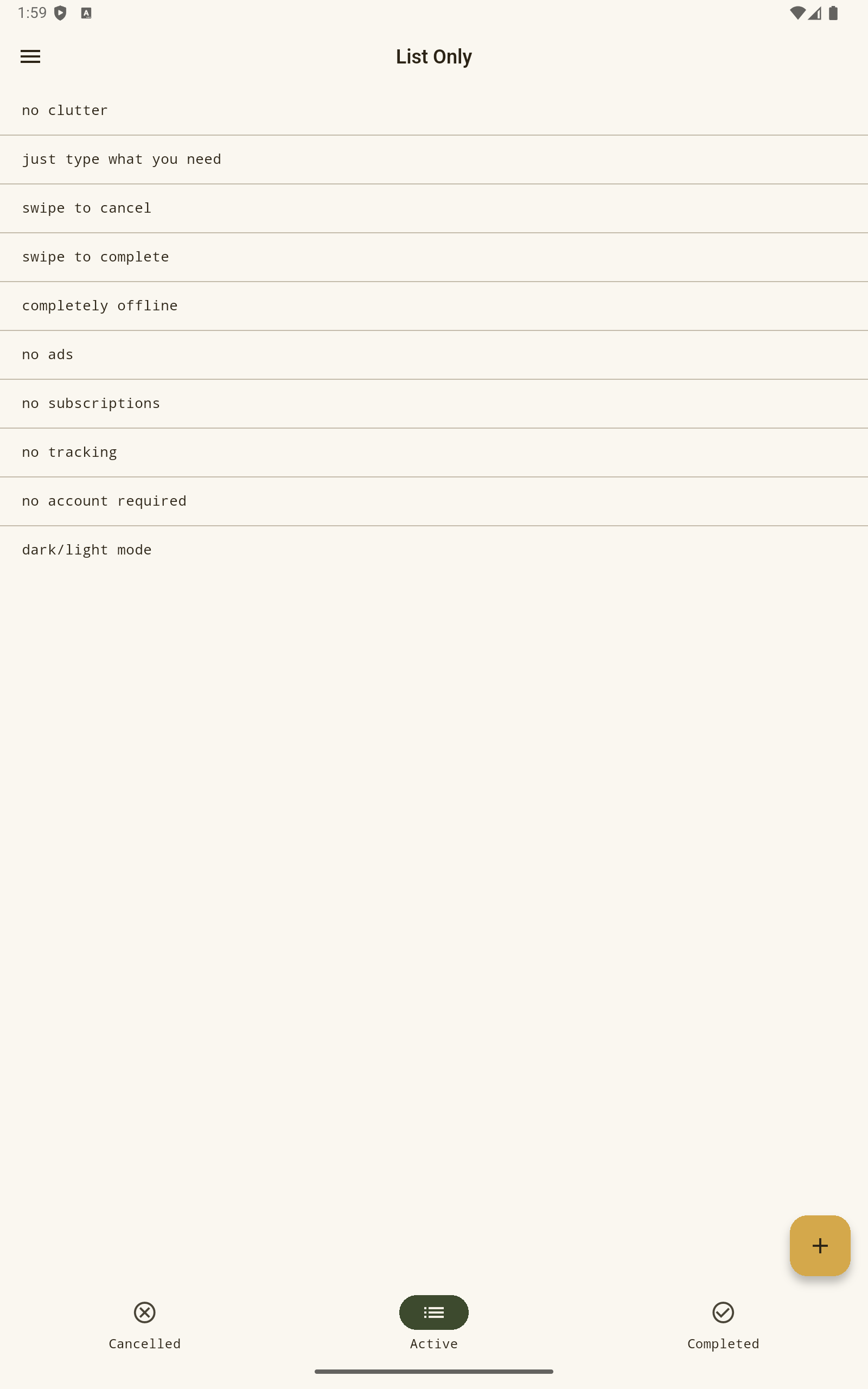
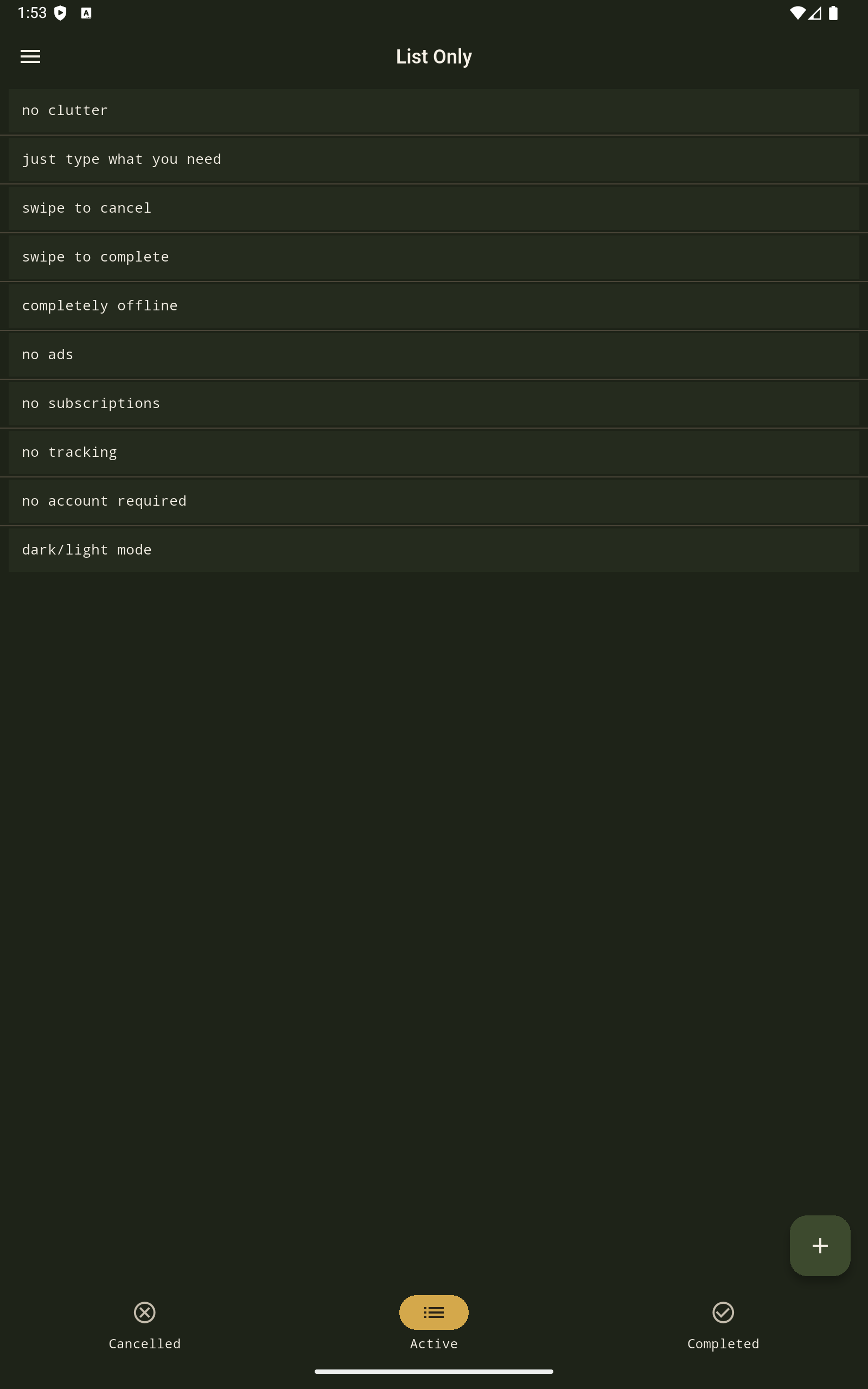
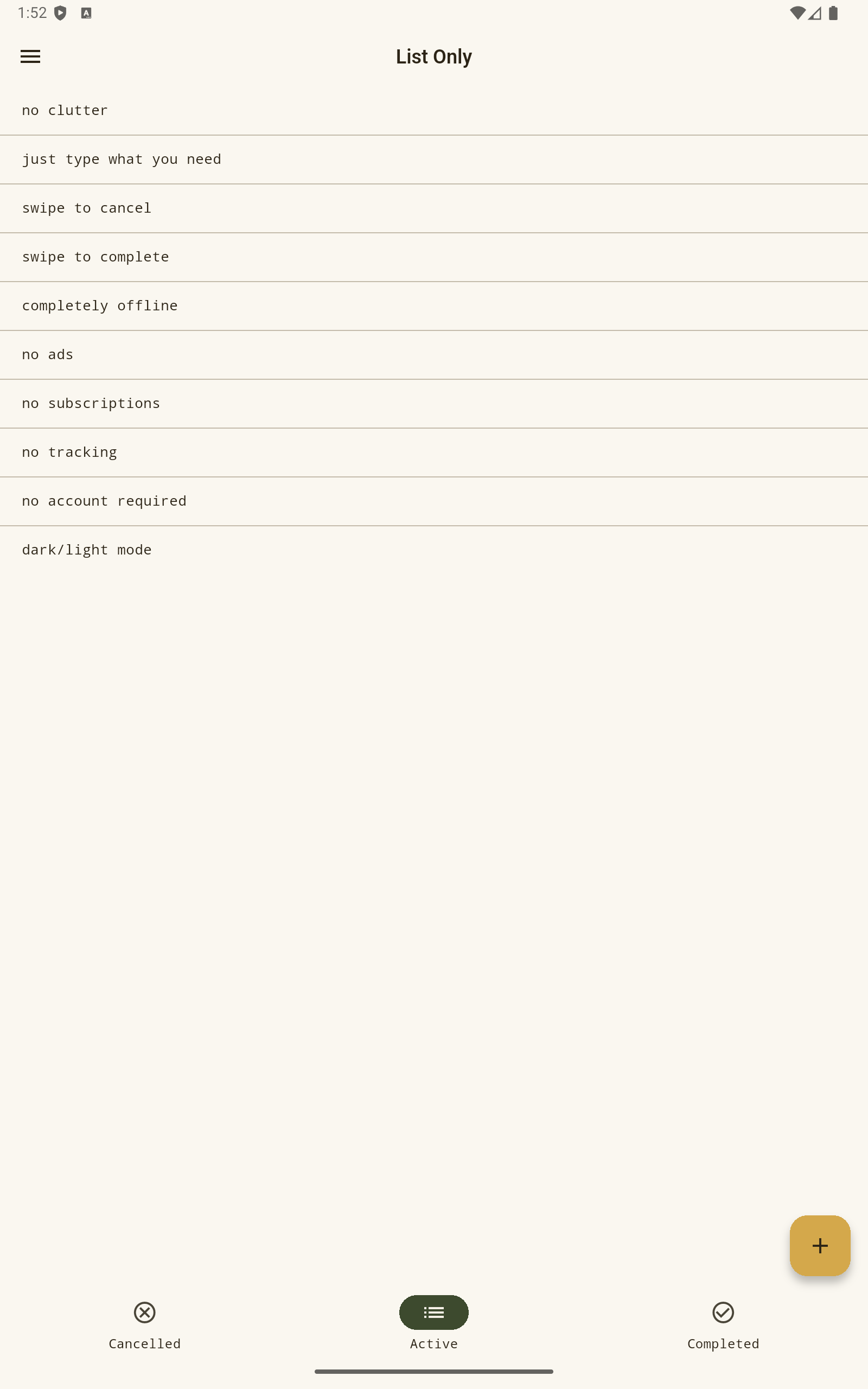
Screenshots — List Only on Android

Real UI from the List Only Android app: todo lists, categories, and tabs. Images load lazily to keep the page fast.

Release notes & changelog

Full version history for List Only on Android. Latest release: 1.5.0 (build 8).

Version 1.5.0+8

What’s new

  • Default color themes: in Settings, pick a global accent preset (Blue, Brown, Green, Orange, Pink, Red, Violet, Yellow); Green stays the default. Shapes app chrome, splash, and any category set to “Default theme.”
  • Category color theme: when adding or editing a category, choose Default theme (follows the app setting) or a fixed preset. Templates can store a theme; cloning copies it—default stays dynamic, a fixed preset is copied as-is.
  • List chrome: the main list (app bar, tabs, list background, action bars, FABs) uses the active category’s palette; the side drawer keeps the global app theme.

Note: MVP continues; this release focuses on theming and per-category visuals.

Version 1.4.0+7

What’s new

  • Template categories: mark categories as templates (# prefix), clone template with items; templates excluded from the main list category picker.
  • Orientation: System, Portrait, or Horizontal in Settings—applied across the app and launch.
  • Active links: optional tappable links in list rows; add/edit fields stay plain text.
  • Smart paste: long-press Paste on add item to split clipboard by separators when it yields multiple items; single-segment paste behaves like normal paste.
  • UX: list scroll and padding fixes; landscape phone layout (bottom bar + compact FABs); improved dialogs with keyboard on small landscape screens.

Note: MVP continues; this release adds templates, links, paste workflows, and orientation control.

Version 1.3.0+6

What’s new

  • Locked sections: locked items now act as visual section headers and are visible across Cancelled, Active, and Completed tabs.
  • Section gestures: swiping a locked header applies actions to the section below it; vertical swipe opens quick add for first/last position in that section.
  • Status-aware section add: adding from a locked section now uses the currently selected status tab.
  • Bulk actions: restore-all and delete-all ignore locked headers for both visibility and processing.
  • Settings: customizable names for statuses and the default category; save button activates only when values changed.
  • UX updates: category editing is available from the category picker; add/edit dialogs keep multiline behavior with compact icon actions.
  • Android splash: larger startup icon treatment with refined branding placement.

Note: This release continues MVP with focus on polish, consistency, and release hardening.

Version 1.2.0+5

What’s new

  • Categories and items: change an item’s category from the edit screen; restore and delete-all actions apply only to items in the currently active category.
  • Lists and ordering: reorder items in every tab (Cancelled, Active, Completed); order is kept stable when you move items between statuses.
  • Adding items: multiline input for new items; Enter submits the add dialog; category add accepts Enter to add (empty input cancels).
  • Item actions: long-press opens edit (text and category); double-tap turns on reorder mode with drag handles and a per-row delete control (replacing the old item overflow menu).
  • Navigation: drawer order is now About → Policies → Settings → Categories.
  • About: richer copy aligned with the Play Store listing and an active link to beukot.com.
  • Android: separate debug install from Play release (.debug application id so local runs don’t overwrite store data); portrait orientation; refreshed native splash / launch visuals; improved edge-to-edge behavior and fewer deprecated window APIs on recent Android versions.

Note: Some graphics or vendor log messages on certain devices are outside the app and can be ignored.

Version 1.1.0+4

What’s new

  • Categories for list items:
    • each item belongs to exactly one category;
    • non-removable default category Master;
    • category management from the drawer (Categories): add, rename, delete, and drag-and-drop reorder;
    • deleting a category reassigns its items to a selected category (or Master when applicable).
  • Active category selector on the main screen (next to +) and category-based filtering across Cancelled, Active, and Completed tabs.
  • Startup app update check for Android (after privacy policy acceptance), with prompt and link to the Play Store when an update is available.
  • Improved category name input defaults: first letter uppercase and remaining lowercase by default, while preserving user-intended custom casing.

Note: In-app update availability is provided by Google Play services and is intended for Play-distributed installs.

Version 1.0.1+3

What’s new

  • Improved list swipe navigation with smooth, finger-tracked transitions between Cancelled, Active, and Completed lists.
  • Enhanced add-item flow: clearer action labels in the add dialog; safer text handling (trimmed input, no empty records); items added directly to the currently selected list.
  • Fixed Privacy Policy acceptance screen layout so the Accept button stays accessible with 3-button Android navigation.
  • Corrected launcher icon generation for proper proportions on device home screens.
  • Improved launch/splash screen consistency and app startup visuals.
  • Added Android backup/restore rules so local list data can be restored after reinstall when Android backup is enabled.

Note: Data restore after reinstall depends on device/account backup settings in Android.

Frequently asked questions

Quick answers about the List Only Android app, todo lists, and privacy. Structured data matches this section for search rich results.

What is the List Only Android app?

List Only is a free Android app for simple to-do lists and checklists. It is the official List Only app on Google Play: offline-first, with categories, swipe between Active/Cancelled/Completed, color themes, and no account for your list data.

Is List Only a good todo list for Android?

List Only is built as a minimal todo list and list for Android: fast to open, easy to scan, with categories and local storage. It suits people who want a straightforward Android to-do list without subscriptions, ads, or cloud sync for list content.

Where can I download List Only for Android?

Download the List Only Android app from Google Play (com.beukot.listonly). This site is the official List Only product page on beukot.com.

Is List Only free?

Yes. List Only is free to download on Google Play. Core list features are not behind a paywall.

Do I need an account?

No. There is no sign-up or login. Lists are stored locally on your Android device.

Is my data tracked or uploaded to the cloud?

The app is designed so your list content stays on the device. Optional services (such as Google Play in-app update checks) are described in the privacy policy.

What Android versions are supported?

See the Google Play listing for current minimum and target SDK—List Only follows modern Android layout practices including edge-to-edge display on supported devices.

Who makes List Only?

List Only is developed by Lukasz Gorgol and published under the Beukot site: beukot.com. Another app from the same author is Sailor Toolbox—see below.

What is Sailor Toolbox?

Sailor Toolbox is a companion app for sailors and radio students: distress, urgency, and safety message templates; Beaufort wind and Petersen sea state; Morse code and phonetic alphabets (including NATO and Polish); maritime signal flags; Q code; and crew briefing checklists. Polish-language exam prep content is included for UKE certificates (IWC, SRC, LRC).

What is Galoping Top (g8b)?

Galoping Top is an open-source 8-bit CPU emulator and assembler written in Go: multiple CPU implementations (starting with Intel 8008), JSON-driven assembler and emulator configs, interactive debugger, cycle-accurate timing, and verbose execution traces. Source: github.com/lukasz-gorgol/g8b.

What is beukot.org?

beukot.org is the virtual hacker space—a free, online-first community for curious builders: no membership fees, no required physical lab, no spam. Meet people on Libera.Chat in #vhs (web: web.libera.chat/#vhs) or read the full manifesto on the site.

Also from Beukot

Sailor Toolbox — theory for sailing in your pocket

Marine communication and safety reference for Android: alarms, scales, Morse, flags, Q code, and more.

If you sail or study for a marine radio certificate, Sailor Toolbox helps you rehearse mayday, pan-pan, and sécurité wording; read wind and sea state; decode flags and Q signals; and walk through crew checklists before you leave the dock. Polish exam material supports UKE paths (IWC, SRC, LRC).

List Only stays focused on everyday lists; Sailor Toolbox is purpose-built for water and radio—same care for clarity and offline-friendly design.

Also from Lukasz Gorgol

Galoping Top — 8-bit CPU suite

A compact emulator and assembler in Go: bring up classic 8-bit CPUs, assemble real programs, and step through them in a debugger.

Galoping Top (g8b) is for learning and tinkering: starting with the Intel 8008, you get a unified instruction model, JSON configuration for both tools, memory dumps, configurable clock speed, and verbose mode for register and flag traces. Use it for coursework, retro experiments, or understanding how low-level software maps to silicon.

List Only and Sailor Toolbox target phones; Galoping Top is desktop-friendly open source—same attention to clarity, different medium.

Community · beukot.org

beukotvirtual hacker space

vhs on Libera.Chat

A free, online-first circle for people who build for real—offshore sailing, trailless hiking, LoRa records, AIS tinkering, 8-bit CPUs, and whatever ambitious project comes next.

No dues, no mandatory makerspace lease: just respect, curiosity, and projects you can touch. List Only and Sailor Toolbox sit alongside stories like Galoping Top in the same spirit—tools and adventures from the same bench. If that resonates, step into the conversation.

IRC has no registration requirement—say hello when you are ready. The site spells out community rules and how to reach the founder directly.